
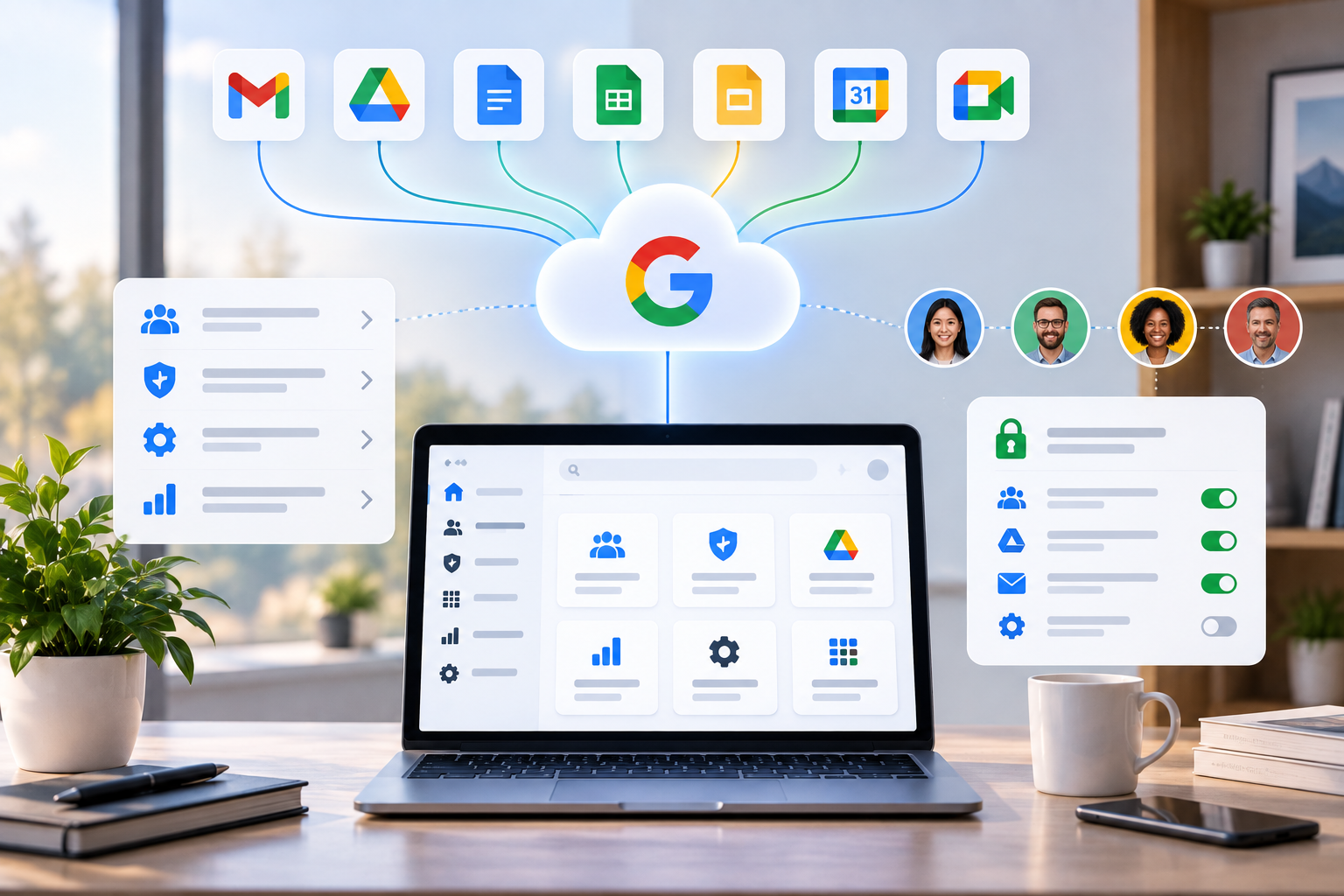
AspirationalX administers and optimizes Google Workspace environments to improve security, access, collaboration, and operational consistency. Helping organizations manage users, files, communication, permissions, and workflows as they grow.
Google Workspace Overview
Google Workspace is the system behind Gmail, Google Drive, Docs, Sheets, Calendar, Meet, and other Google productivity tools used throughout an organization.
Effective administration ensures that users have the right access, organizational information is protected, collaboration remains simple, and the environment can scale as teams grow or change.
AspirationalX helps organizations configure, maintain, and improve Google Workspace to support how the business operates. This can include account management, security controls, training, shared Drive structures, permissions, groups, email configuration, third-party integrations, retention settings, and day-to-day troubleshooting.
The goal is to create a Workspace environment that is secure, organized, maintainable, and easy for people to use.
Typical Use Cases for Google Workspace
- User onboarding and offboarding — Create accounts, assign appropriate access, transfer ownership of information, and remove access when employees or contractors leave.
- Permission and access management — Control who can access files, folders, shared Drives, groups, applications, and organizational data.
- Shared Drive organization — Build logical structures for company, department, project, client, and operational information so teams can find and manage files more easily.
- Security configuration — Establish authentication, sharing, access, and account security policies appropriate for the organization.
- Email and group administration — Configure Gmail, aliases, routing, distribution groups, shared communication structures, and account settings.
- Troubleshooting and support — Resolve login issues, account problems, file access challenges, email configuration issues, and other Workspace-related problems.
- Third-party application management — Manage integrations and application access to reduce unnecessary permissions and support connected business systems.
- Workspace cleanup and restructuring — Address unmanaged accounts, inconsistent permissions, duplicated files, unclear ownership, and environments that have become difficult to administer.
- Automation and workflow improvement — Use scripting and administrative tools to reduce repetitive work and create more consistent processes.
Our Expertise with Google Workspace
AspirationalX has experience managing Google Workspace environments across consulting organizations, startups, growing businesses, distributed teams, and operationally complex organizations.
Our work includes user and group management, account provisioning, shared Drive organization, access controls, email administration, organizational permissions, security settings, third-party integrations, troubleshooting, onboarding, offboarding, and information ownership.
We also help organizations solve the operational problems that develop when Workspace grows without a clear structure—for example, important files owned by individual users, former team members retaining access, inconsistent folder structures, unmanaged shared accounts, or information that is difficult for others to locate.
Our approach connects Google Workspace administration with broader business operations. Workspace often functions alongside systems such as Jira, Confluence, Slack, QuickBooks, CRM platforms, and other operational tools, so access and information management need to work across the organization rather than in isolation.